The Right Laptop Buying Guide for Saudi Arabia
Before you buy a laptop: define your use
The biggest mistake in buying a laptop is choosing by price or looks instead of by what you'll actually do with it. The right laptop for a student is completely different from one for a designer, an accountant or a gamer. Define your use first, then pick the specs. In Saudi Arabia you'll find a wide range at Jarir, noon, Amazon.sa and eXtra, with prices that vary a lot even within the same tier.
The processor
The processor is the heart of the machine. For everyday and office use, a mid-tier processor is comfortably enough. If your work is heavy — design, video editing or programming — pick a stronger one. Watch the generation, not just the name: a newer-generation mid-tier chip can beat an older higher-tier one, so don't be fooled by big numbers alone.
Memory and storage
- RAM: 8GB is today's comfortable minimum; 16GB is the smarter choice if you keep many apps open or want the machine to serve you for years.
- Storage: insist on an SSD, not an old hard drive — the speed difference is huge and makes the whole machine feel far faster. 512GB suits most people.
Screen and battery
If you work outside the home or on campus a lot, prioritize light weight and a battery that lasts a workday. Full HD resolution is enough for most uses, and higher-resolution screens drain more battery. For design and editing, care about color accuracy and resolution more than anything else.
By use case
- Student / office: mid-tier processor, 8-16GB RAM, SSD, light weight.
- Design and editing: strong processor, 16GB or more, dedicated graphics, a color-accurate screen.
- Gaming: a strong dedicated GPU, good cooling, a high-refresh-rate screen.
- Portability: a thin machine with long battery life, even with a mid-tier chip.
Windows or Mac?
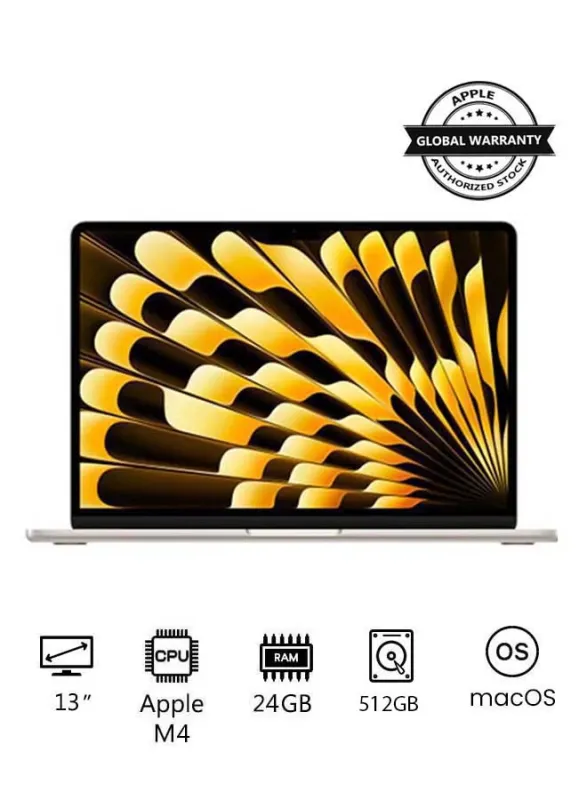
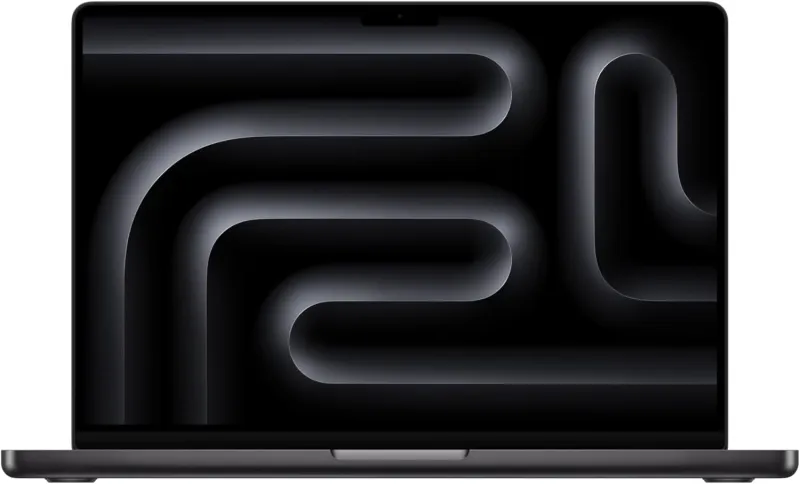
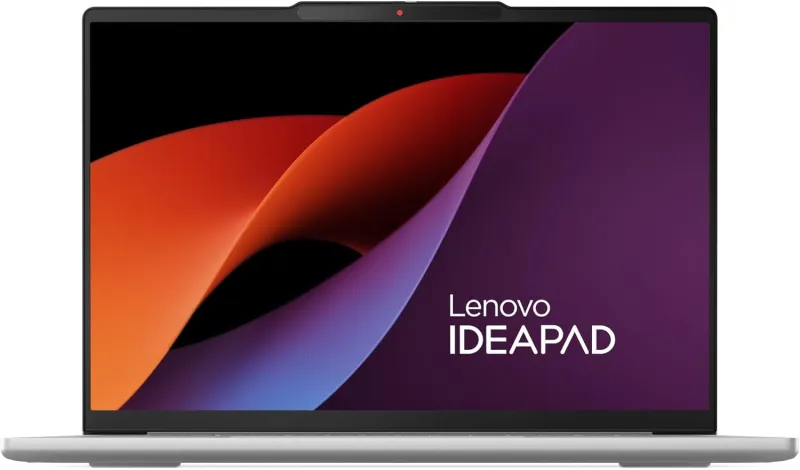
A MacBook is excellent for battery, performance and stability, and suits designers and anyone inside the Apple ecosystem. Windows gives you wider choice, more price points and more upgradeability. The decision should come down to your software and budget, not prestige or other people's opinions.
Ports and warranty: details that matter
Before you lock in the decision, mind the small things that have a big daily impact. Check the number of USB ports and whether there's a USB-C port that charges the machine, plus an HDMI port if you need to connect an external display. If you move large files often, port speed matters. As for warranty, make sure it's honored inside Saudi Arabia with a clear duration, especially when buying online from a third-party seller. A cheap machine with no local warranty can cost you more if it ever needs service.
Don't buy at the first price
Laptop prices move a lot, and some "seasonal" offers are inflated. Before buying, compare the exact same model and configuration across stores — the same name sometimes ships with different specs and a different price. Check the 90-day price history, and if the price is high, set a price alert instead of rushing. And remember: the cheapest isn't always the best value if the specs fall short of your needs.
Bottom line
The ideal laptop is the one that fits your work at the least necessary cost. Start from your use, then processor, RAM and SSD, then compare prices and specs across stores and make sure the discount is real before you pay.